iPhone widget guides from an iOS studio.
Practical guides and notes on iPhone widgets and interface design — written while building our own apps, not scraped from someone else's.
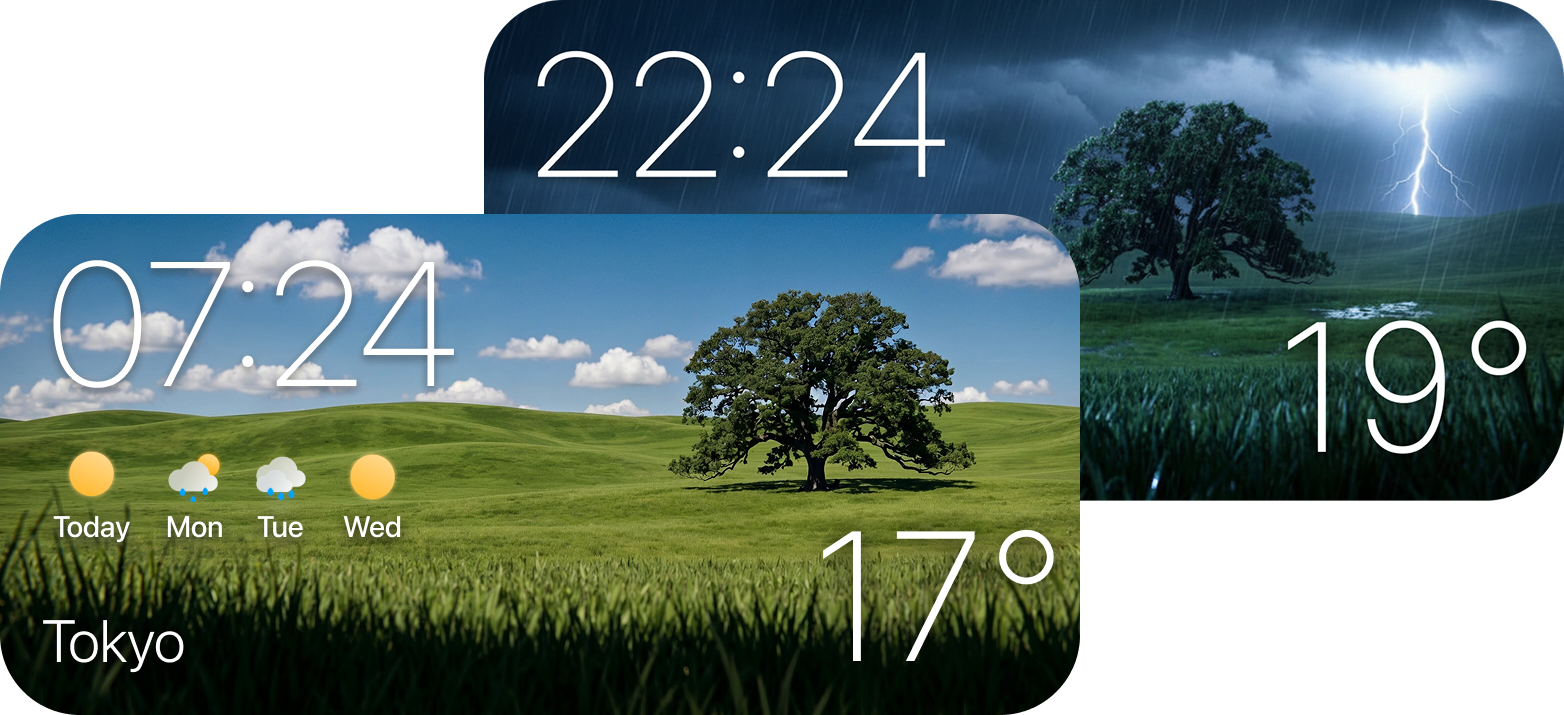
Best Weather Widgets for iPhone in 2026
Six picks ranked on the only things that matter in a widget: glanceability, rain-alert lead time, Lock Screen readability and restraint. Free options included.
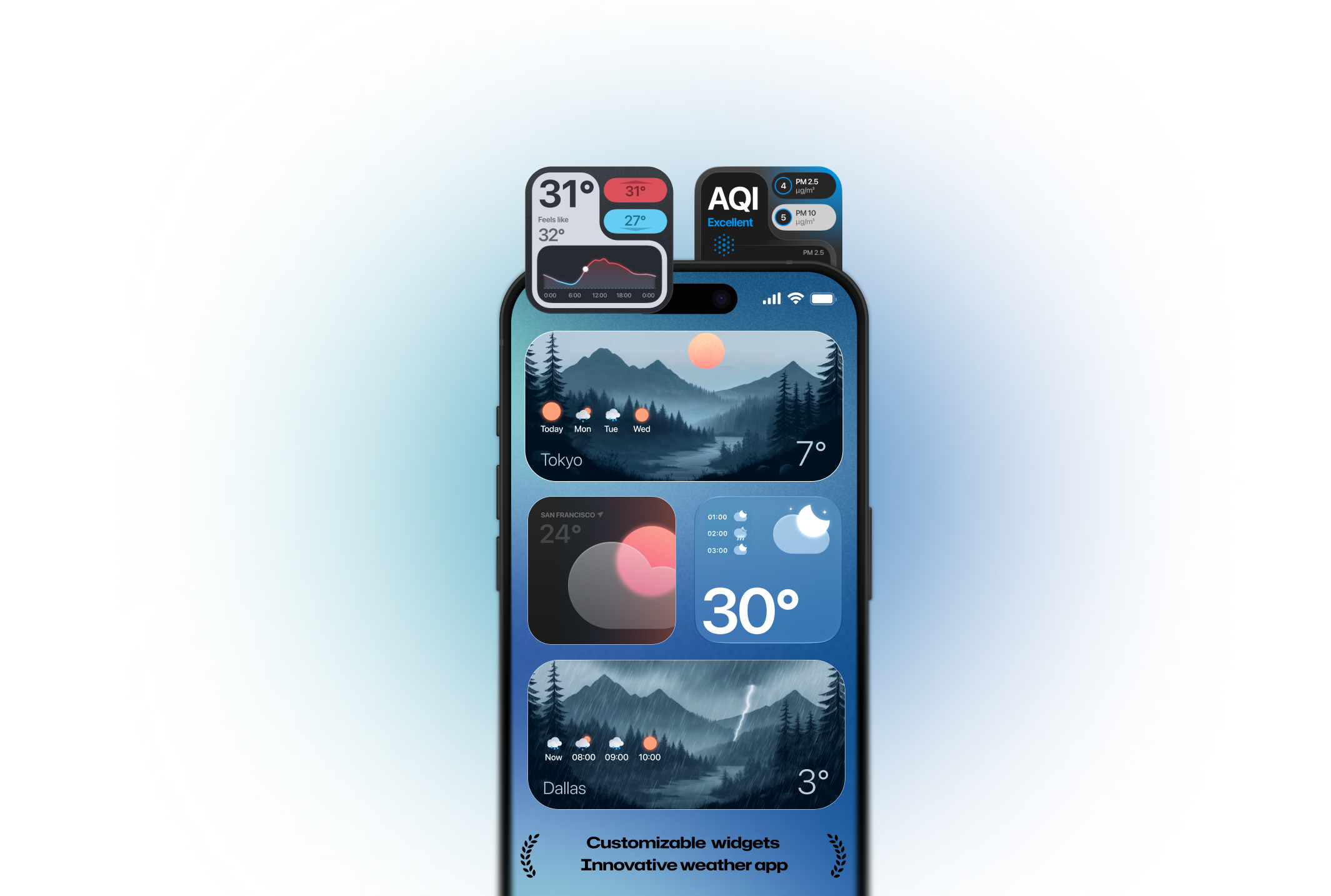
Custom Weather Widget for iPhone: Create Your Perfect Home Screen
Every widget type worth knowing — clock combos, animated, large, minimal, aesthetic, Lock Screen and dynamic backgrounds — and how to set each one up.
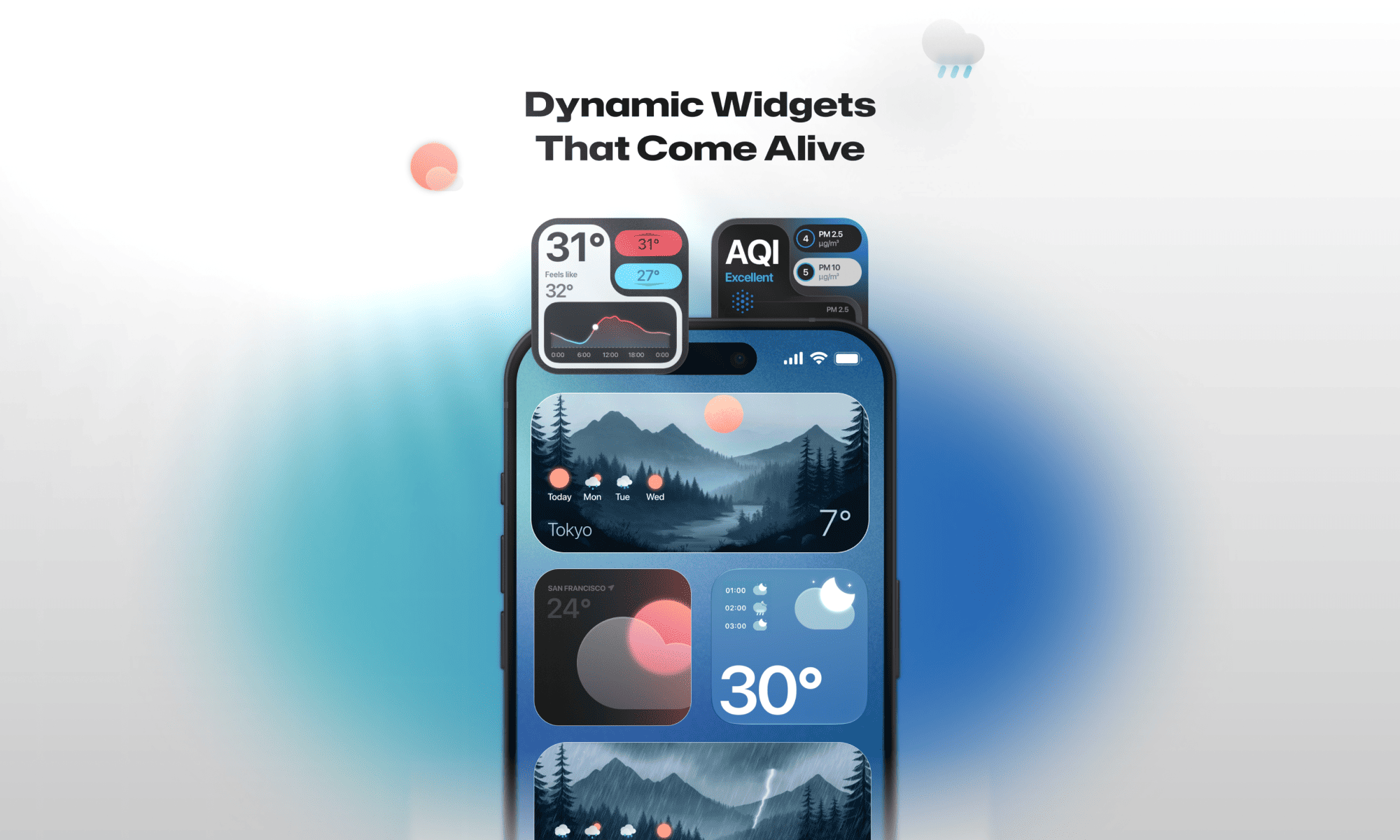
Weather Widgets for iPhone: What They Are & How to Add One
The complete walkthrough: widget types, adding one to the Home or Lock Screen, changing units and locations, and fixing a widget that won't update.
Aesthetic Weather Widgets for iPhone: 7 Looks That Still Read Clearly
Minimal, pastel, dark, glass, retro and clock combos — plus the contrast rule that separates a beautiful widget from an unreadable one.
Written by the team that builds the widgets.
EDANFS designs and develops iOS apps, including Weather Widget Magic. These notes come from that work: what we learn while designing widgets, building them and testing them on real iPhones.
Every guide is tested on a current iPhone running the latest version of iOS, and each article is dated so you know when it was last checked. When Apple changes how widgets work, we update the guide.
We cover weather widgets for the Home Screen and Lock Screen, how to customise them, which apps are worth installing and the design rules that keep a widget readable at a glance.
We also write about the design decisions behind our own app: the colours that stay legible in direct sunlight, the layouts that still work in a small widget and the details that make a Home Screen feel calm instead of busy.
New to widgets? Start with what a weather widget is and how to add one, then pick a look from the aesthetic widget guide or compare apps in our ranking of the best weather widgets for iPhone.