Weather Widget Magic: adaptive weather widgets for iPhone
50+ widgets, a 90-minute radar forecast and rain alerts that reach you before the first drop. Free on iPhone.
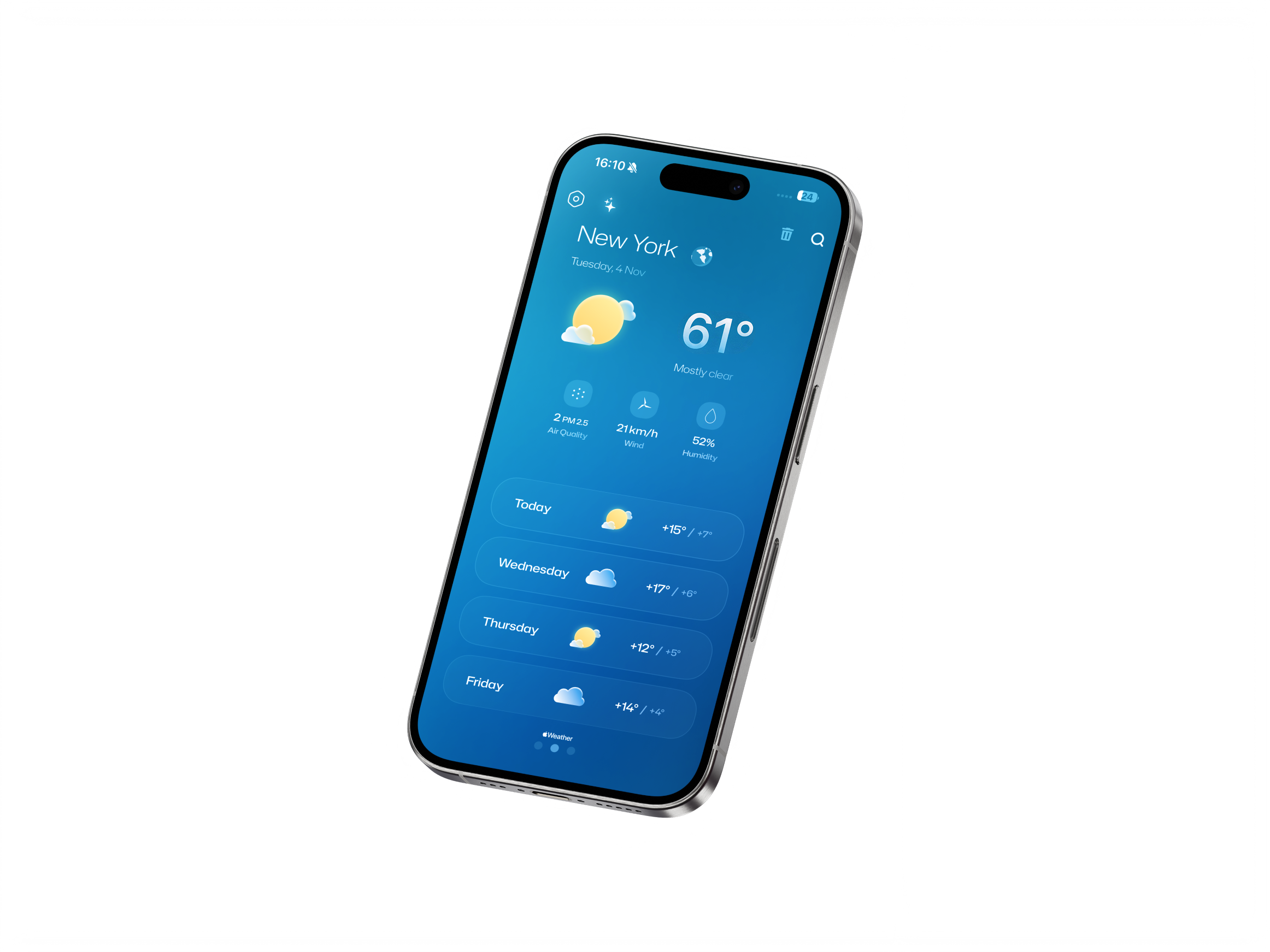
Clean and simple weather app
Weather app with a clean design paired with a magical widget that makes your home screen more personalized and pleasant.
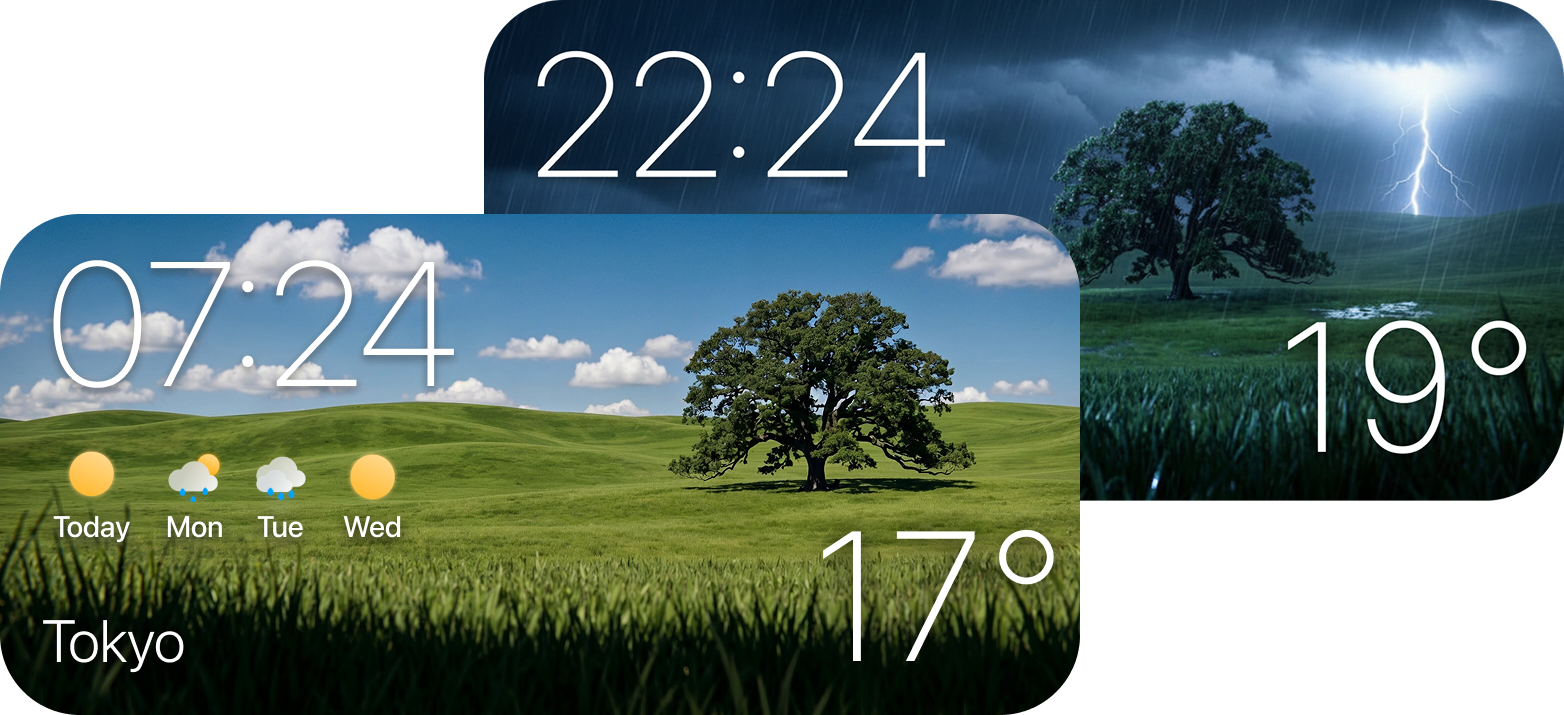
Weather widget that changes based on conditions and time
Innovative weather widget with different styles.
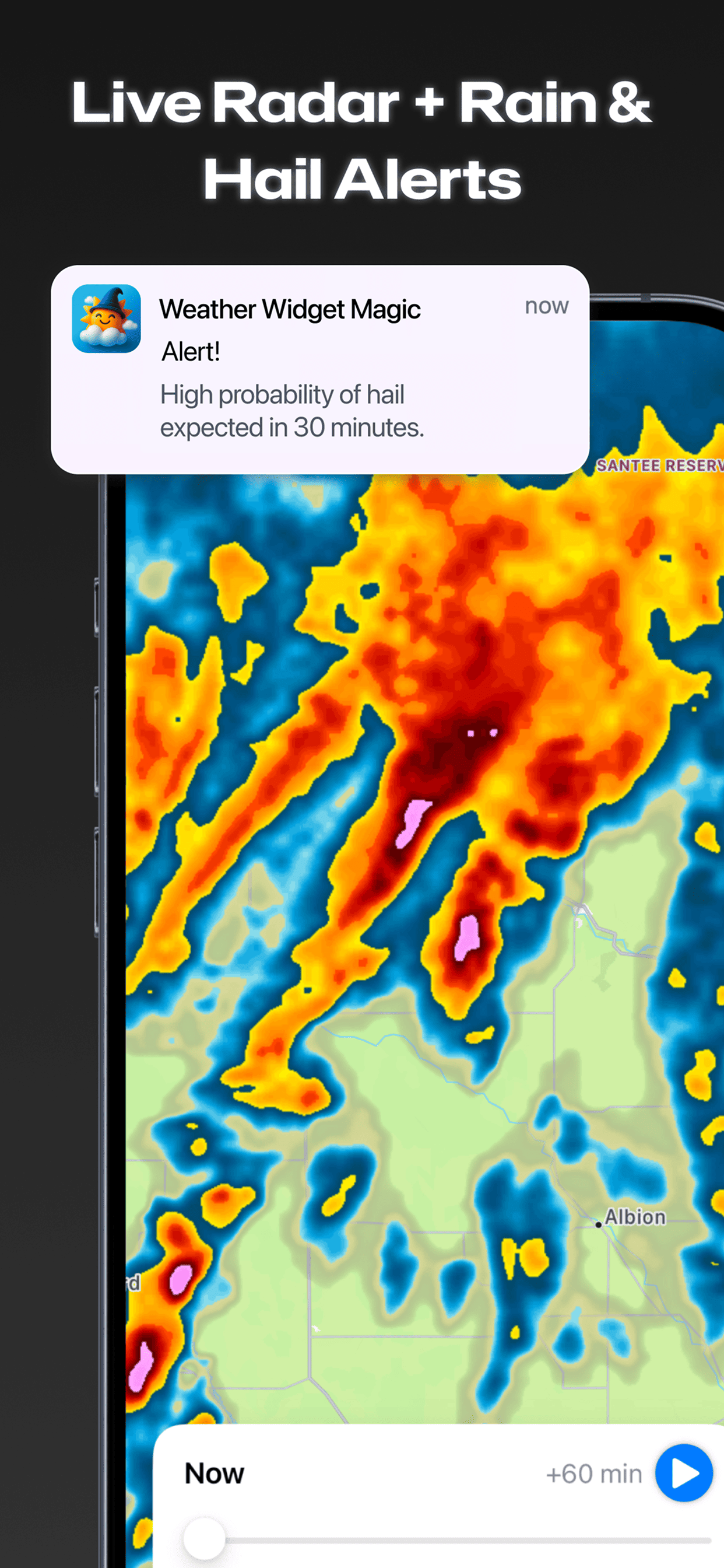
Live radar with one-hour rain & hail alerts
A high-resolution radar with nowcasting up to one hour ahead. Rain and hail alerts are computed from radar reflectivity combined with CAPE, the temperature gap between cloud level and ground, and other atmospheric data — so you get warned before a storm hits.
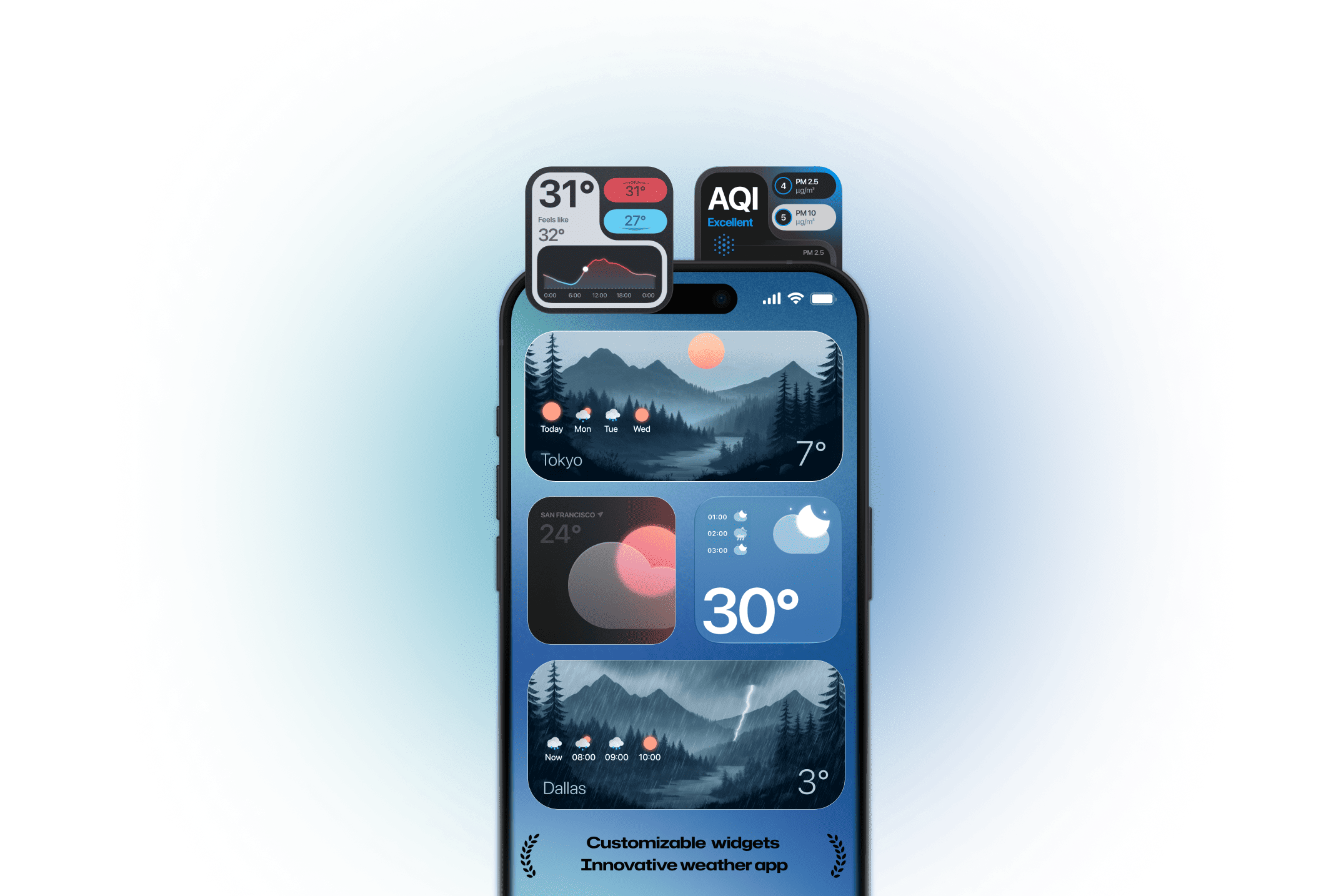
Everything you need, beautifully delivered.
Weather alert notifications
Receive instant alerts for severe weather conditions and air quality changes, ensuring you're always prepared and informed.
DownloadPrecise weather app
Get accurate, up-to-date weather forecasts tailored to your location, featuring detailed information on temperature, humidity, wind, and more.
DownloadAir quality data
Access real-time air quality information for your location, including pollution levels and health recommendations to stay safe throughout your day.
Download★★★★★ Dec 31, 2025“Feels like having a mini weather station on your phone — except it actually looks cool. Simple, reliable, and even a little fun. It's quickly become one of my favorites.”
★★★★★ Feb 22, 2026“Everything is fantastic on this app. The layout, the format and widgets to customize your weather widget. Overall fantastic app!”
★★★★★ Sep 13, 2026“Excellent. Easy to use. Spot-on forecasts. Also able to choose background images. Again, perfect.”
Reviews from the US App Store, lightly trimmed for length. Rating as of October 2026.
Everything you need, nothing you don't.
Severe weather alerts
Instant notifications for storms, hail and air-quality changes — so you're prepared before you look outside.
Precise forecasts
Hourly and 10-day outlooks for your exact location: temperature, feels-like, humidity, wind, UV and pressure.
Air quality
Real-time AQI with PM2.5 and PM10, plus a dedicated widget that turns colour as the air changes.
Moon & sun
Moon phase, illumination, moonrise and moonset; sunrise and sunset arcs on the widgets that need them.
Free to start
Download for free. Premium unlocks the full widget library and advanced customization.
How to add the weather widget to your iPhone
Adding a weather widget to your iPhone takes under a minute, and you never have to open the app again to read the forecast. The five steps below work on every iPhone running iOS 16 or later, including iOS 26.
Install the app, then open it once
Download Weather Widget Magic from the App Store and launch it a single time so it can request location access. Choose While Using the App or Widgets — without it the widget cannot show your local forecast.
Touch and hold the Home Screen
Press any empty area until the app icons start to jiggle, then tap the + button in the top-left corner to open the widget gallery.
Search for Weather Widget Magic
Type the name in the gallery search field. Swipe horizontally to preview the available sizes before you commit to one.
Pick a size and add it
Tap Add Widget, drag it where you want it, then tap Done. Dropping it onto an existing widget of the same size builds a Smart Stack you can swipe through.
Choose the style and the city
Touch and hold the widget you just placed and tap Edit Widget. From there you pick the visual style, switch between Celsius and Fahrenheit, and pin a specific city instead of your current location.
Which widget size should you use
Every size shows a different amount of data, and the right one depends on where you put it. This is what each option gives you.
| Widget | What it shows | Best for |
|---|---|---|
| Small | Current temperature, condition icon, daily high and low | A dense Home Screen where the widget sits beside app icons |
| Medium | Current conditions plus the next five hours | Deciding whether to take a jacket or an umbrella now |
| Large | Hourly strip, multi-day outlook and the adaptive background | A dedicated weather page you swipe to |
| Lock Screen | Temperature or condition in an inline or circular slot | Checking the weather without unlocking the phone |
| Today View | The same sizes, reachable by swiping right from the first page | Keeping the Home Screen clean |
Why the widget changes on its own
Most iPhone weather widgets render the same rectangle at 3pm in July and at 5am in a January storm. Ours does not. The background is generated from two inputs — the current condition and the position of the sun at your coordinates — so a clear morning, an overcast afternoon and a night thunderstorm each produce a different scene on your Home Screen.
That is not decoration. It means you read the weather before you read the numbers: you glance at the screen, register that it has gone dark and grey, and you already know to check the radar. Pair it with the one-hour rain and hail alerts and the widget stops being a dashboard you consult and becomes something that warns you.
If you want to see how far customization can go — clock combinations, minimal layouts, aesthetic themes and Lock Screen slots — we documented every option in our guide to custom weather widgets for iPhone.
Weather widget questions
Is Weather Widget Magic free?
Yes. Weather Widget Magic is free to download on the App Store, with optional premium widget styles.
Which iPhone widget sizes are supported?
Small, medium and large Home Screen widgets, plus Lock Screen and Today View widgets on iOS 16 and later. Our guide to weather widgets for iPhone walks through each placement.
How far ahead do the rain alerts work?
Rain and hail alerts are computed from radar nowcasting up to one hour ahead of the event. For how we compare with other apps, see the best weather widgets for iPhone in 2026.